# How to provide/remove liquidity manually to the LP ETH/eCSPR
**URL:** https://ghostforum.org/t/how-to-provide-remove-liquidity-manually-to-the-lp-eth-ecspr/73
**Category:** ghostDAO
**Created:** [September 14, 2026, 12:16pm UTC](https://ghostforum.org/t/how-to-provide-remove-liquidity-manually-to-the-lp-eth-ecspr/73 "2026-09-14T12:16:11Z")
**Posts on this page:** 3
**Page:** 1
### Author:  [@Hestya](https://ghostforum.org/u/Hestya)
#### Post date: [September 14, 2026, 12:16pm UTC](https://ghostforum.org/t/how-to-provide-remove-liquidity-manually-to-the-lp-eth-ecspr/73/1 "2026-09-14T12:16:11Z")
ghostDAO allows you to add liquidity to the LP ETH/eCSPR but not to remove or manage your liquidity.
ghostDAO is using Uniswap v2 for liquidy providing so you can do it directly through Uniswap.
1. Go to “[Uniswap Interface](https://app.uniswap.org/%E2%80%9D) and connect your wallet.
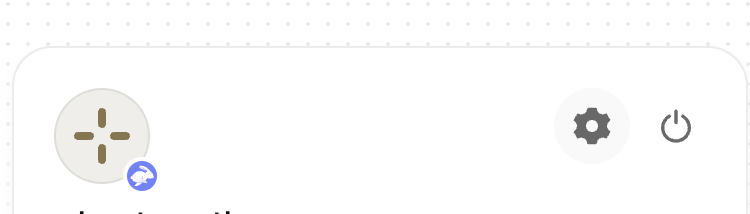
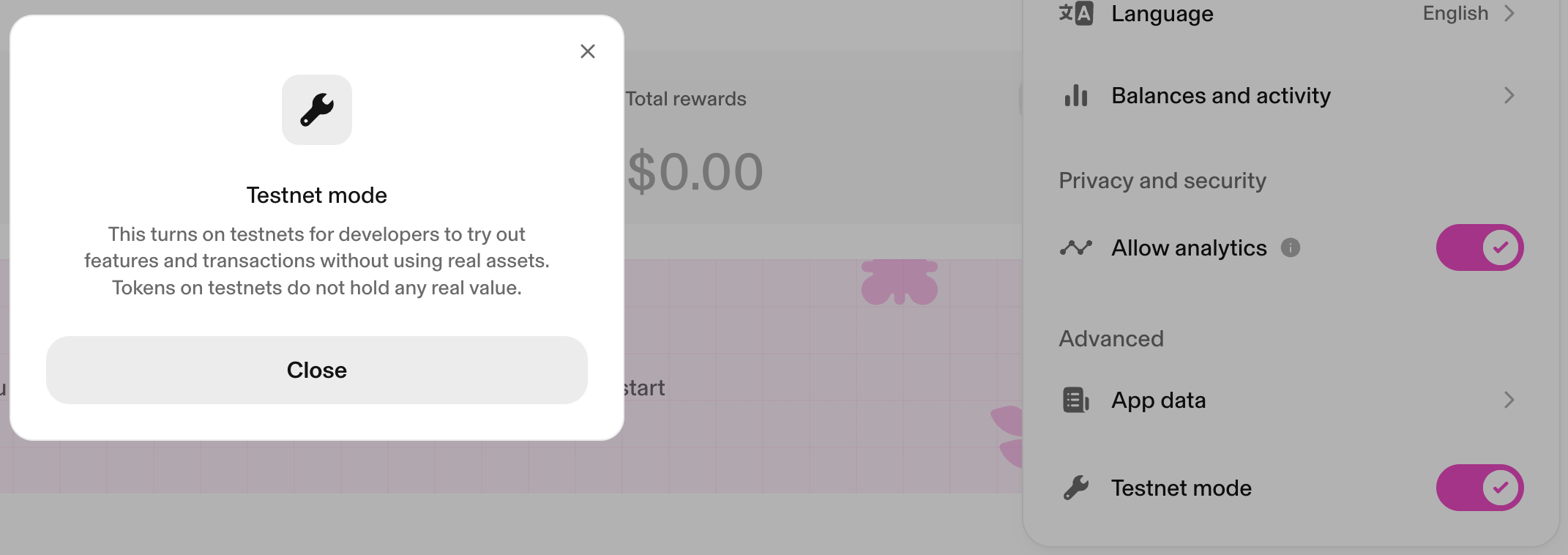
2. Once connected, click on your wallet (top-right corner) and click on the gear Icon. This will open the “settings”.
3. At the bottom you see “Testnet mode”. You have to turn it ON.
4. Then, 2 options. On the ribon, you click on “Pool“:
1. “View positions” if you already have one. From here you will be able to manage your existing position;
2. “Create position” if you want to create one manually.
5. You need the eCSPR contract (0x7ebd1224D36d64eA09312073e60f352d1383801A) to create your ETH/eCSPR position manually.
6. Click on “Select 1st token” and paste the eCSPR contract address. The pool will appear.
7. Click on the pool. From here, you can deposit manually.

---
### Author:  [@Cosmos](https://ghostforum.org/u/Cosmos)
#### Post date: [October 7, 2026, 5:19am UTC](https://ghostforum.org/t/how-to-provide-remove-liquidity-manually-to-the-lp-eth-ecspr/73/2 "2026-10-07T05:19:50Z")
Just curious, why is the way you suggested better than using the ghostDAO UI?
> **[ghostDAO | The DeFi 2.0 cross-chain reserve currency](https://app.dao.ghostchain.io/#/sepolia/dex/uniswap?from=0x0000000000000000000000000000000000000000&to=0x7ebd1224D36d64eA09312073e60f352d1383801A)**
>
> ghostDAO is pioneering a decentralized cross-chain reserve currency powered by DeFi 2.0 protocol.
---
### Author:  [@Hestya](https://ghostforum.org/u/Hestya)
#### Post date: [October 7, 2026, 9:15am UTC](https://ghostforum.org/t/how-to-provide-remove-liquidity-manually-to-the-lp-eth-ecspr/73/3 "2026-10-07T09:15:09Z")
From my perspective, it’s better because you have all Uniswap options to manage your liquidity like withdrawal which is not possible today using the DAO UI.
And in the future, if you plan to move to V4 pools, it’s easier to use the Uniswap UI to select fees, setup the range etc…
Being used providing liquidity l, I don’t see benefits in using the DAO UI right now.
Too much limitations.