ghostDAO allows you to add liquidity to the LP ETH/eCSPR but not to remove or manage your liquidity.
ghostDAO is using Uniswap v2 for liquidy providing so you can do it directly through Uniswap.
- Go to “Uniswap Interface and connect your wallet.
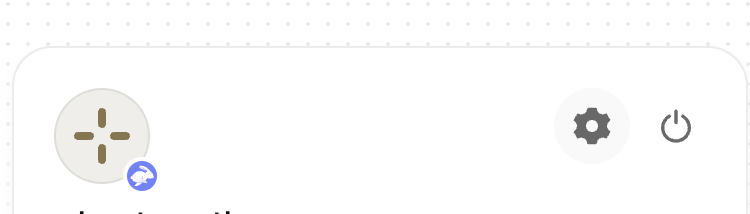
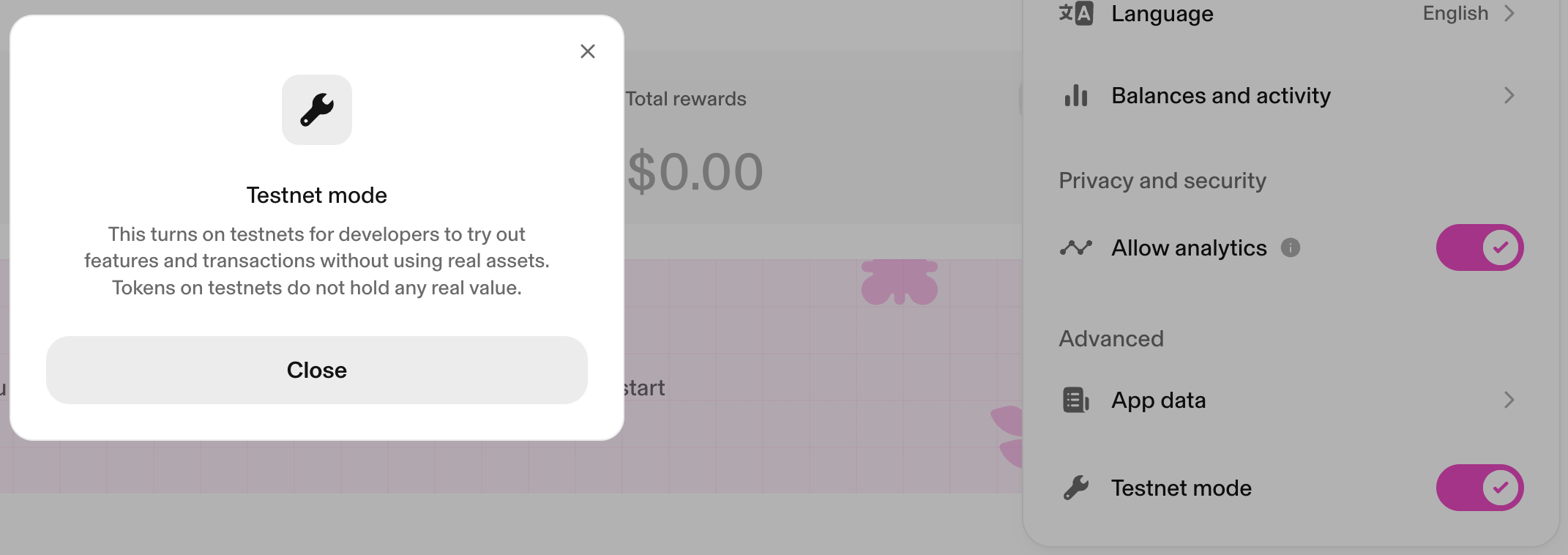
- Once connected, click on your wallet (top-right corner) and click on the gear Icon. This will open the “settings”.
- At the bottom you see “Testnet mode”. You have to turn it ON.
- Then, 2 options. On the ribon, you click on “Pool“:
- “View positions” if you already have one. From here you will be able to manage your existing position;
- “Create position” if you want to create one manually.
- You need the eCSPR contract (0x7ebd1224D36d64eA09312073e60f352d1383801A) to create your ETH/eCSPR position manually.
- Click on “Select 1st token” and paste the eCSPR contract address. The pool will appear.
- Click on the pool. From here, you can deposit manually.