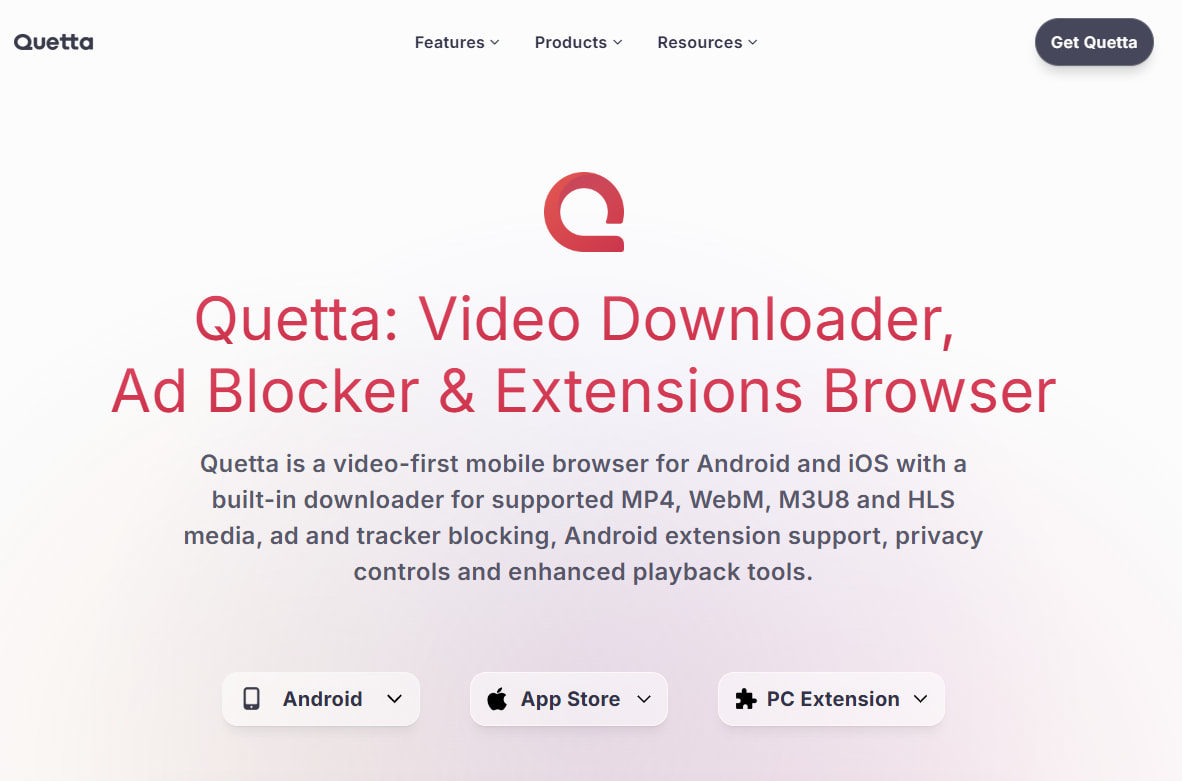
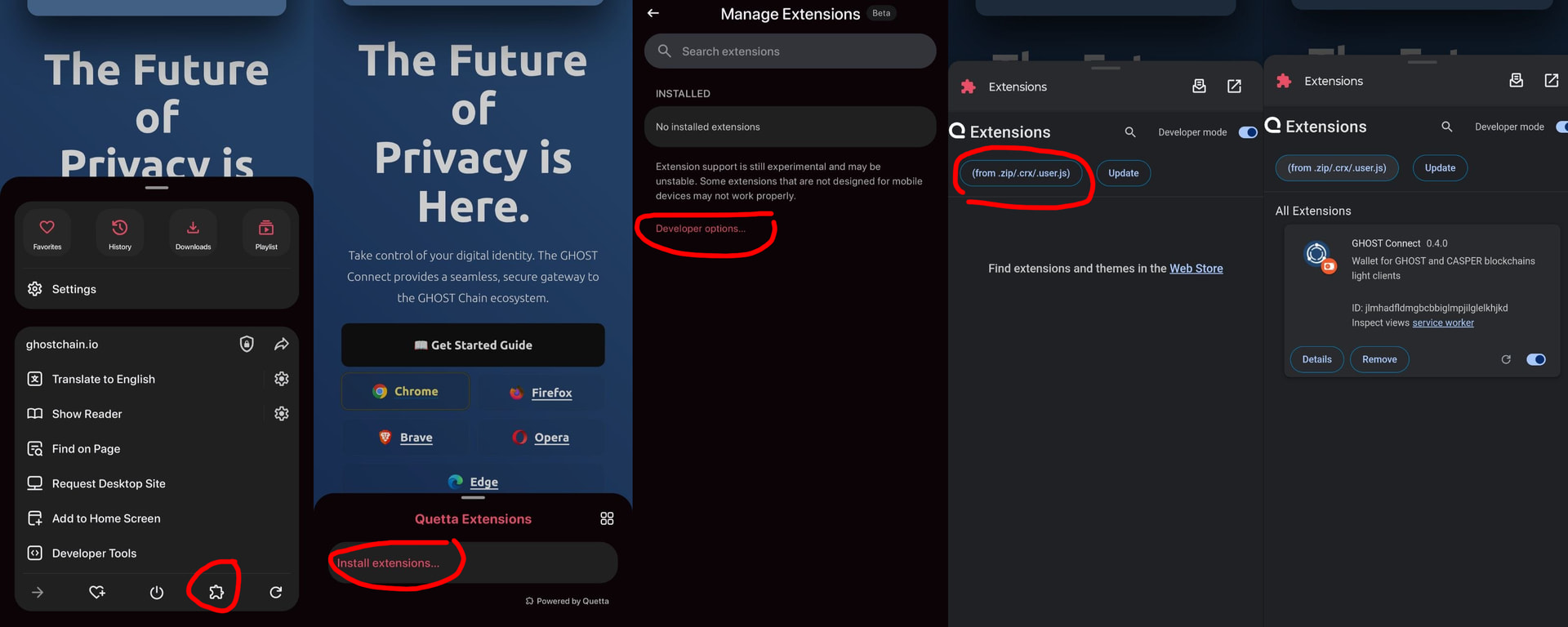
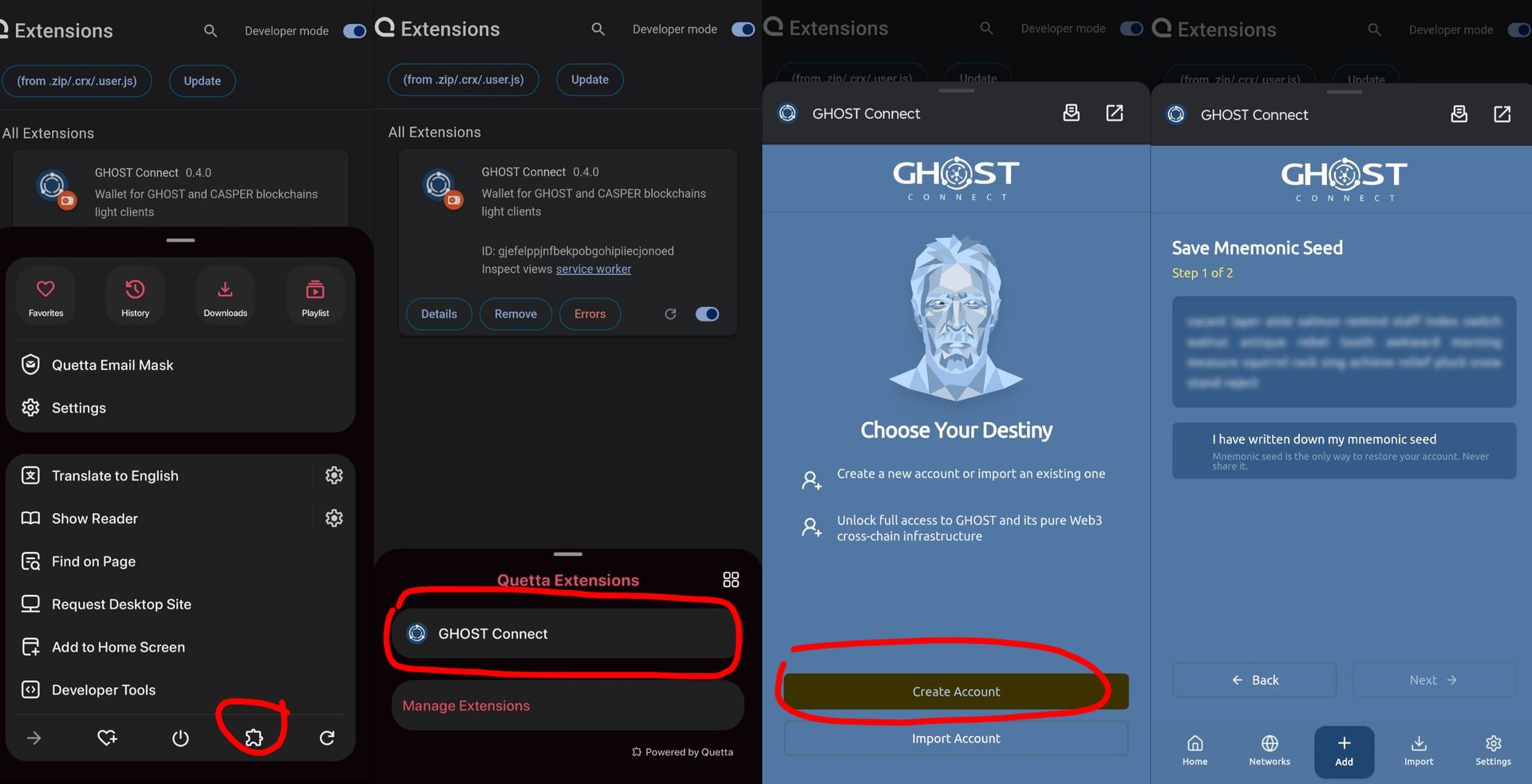
You can push it even further and replicate this setup on your smartphone device. There are some mobile browsers out there that accept desktop extensions/add-ons in developer mode.
Thanks for putting this together, Cosmos. I tried it on iPhone, and it doesn’t work with Quetta on iOS.
What I did
Installed Quetta from the App Store.
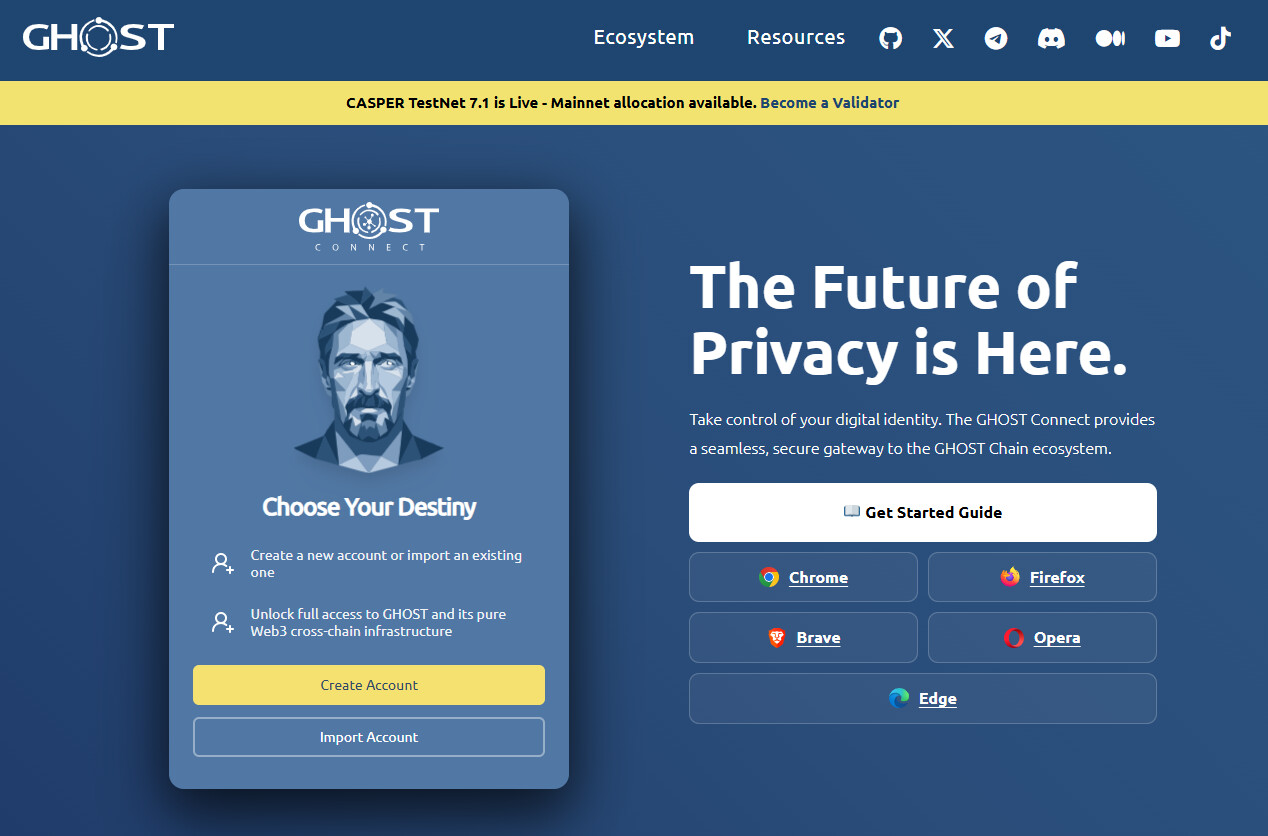
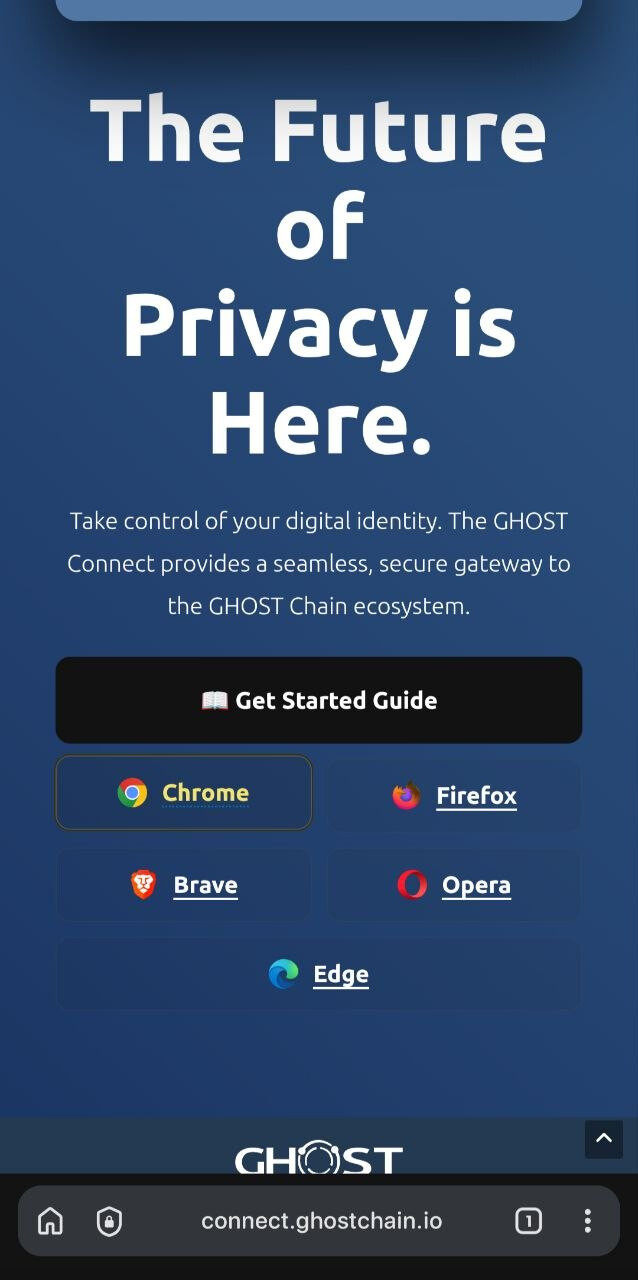
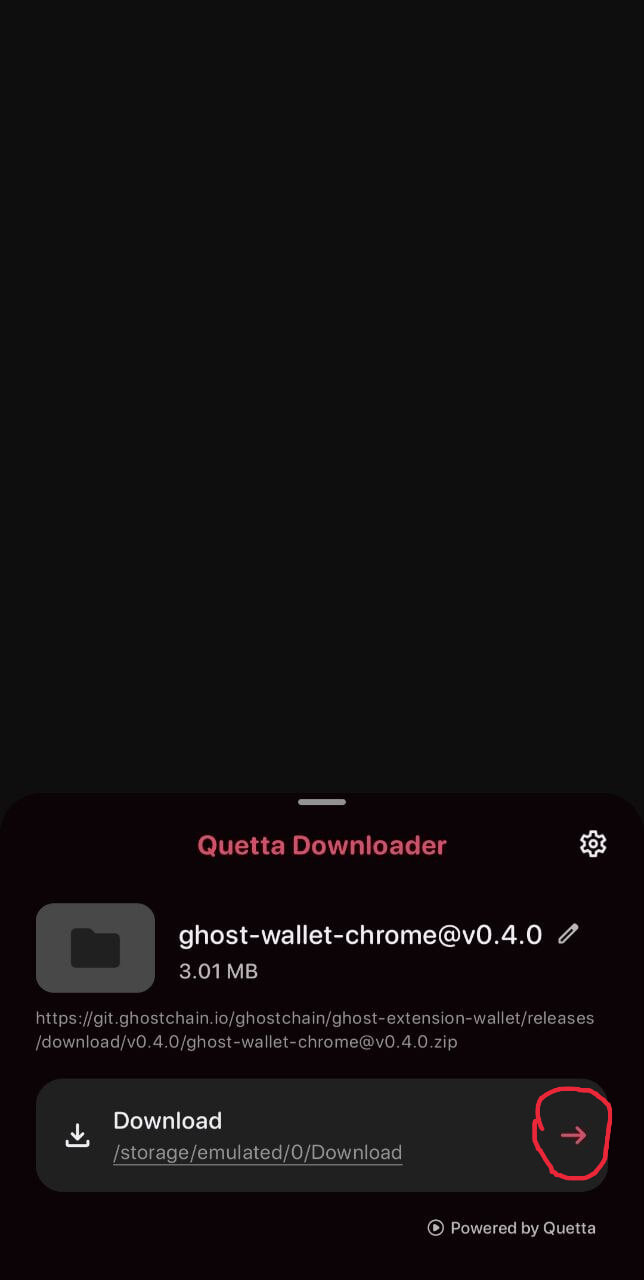
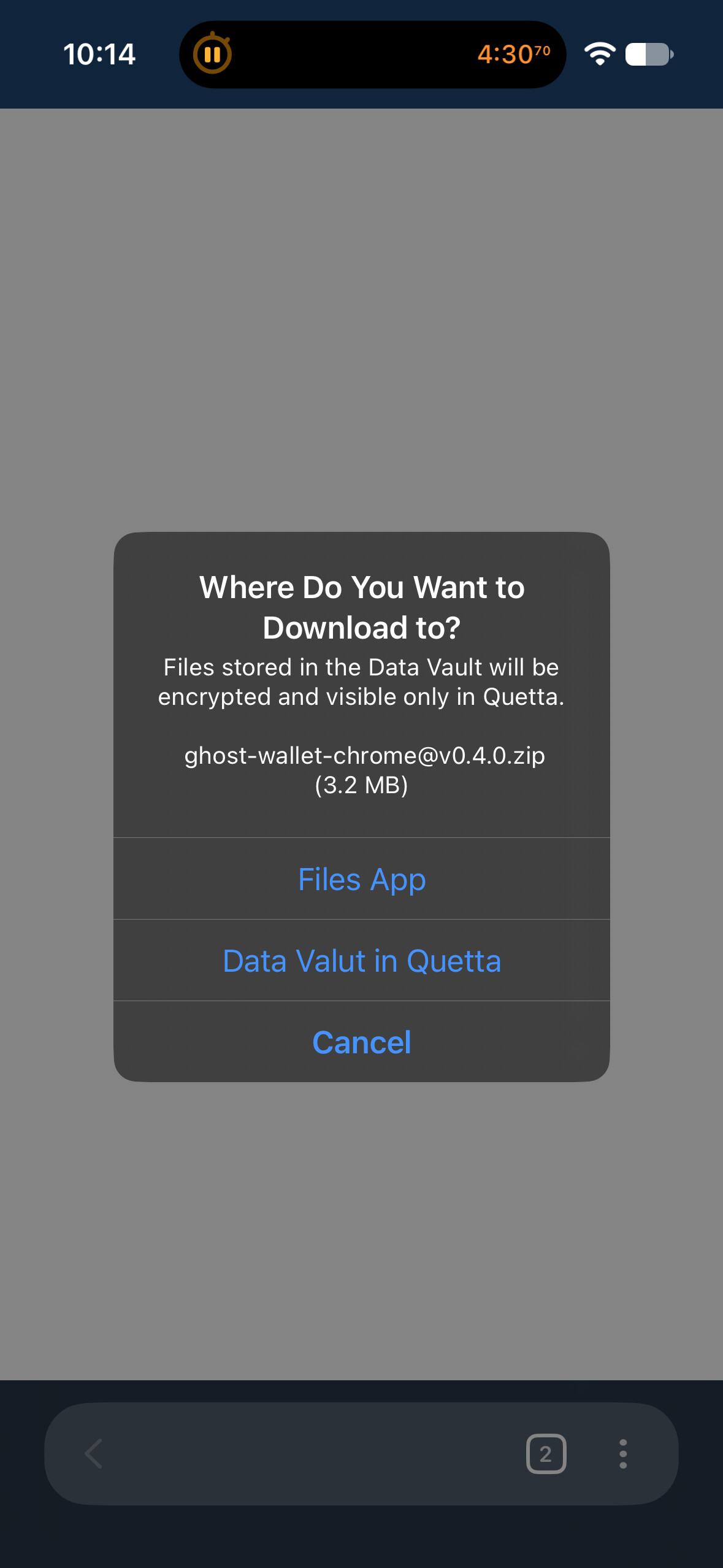
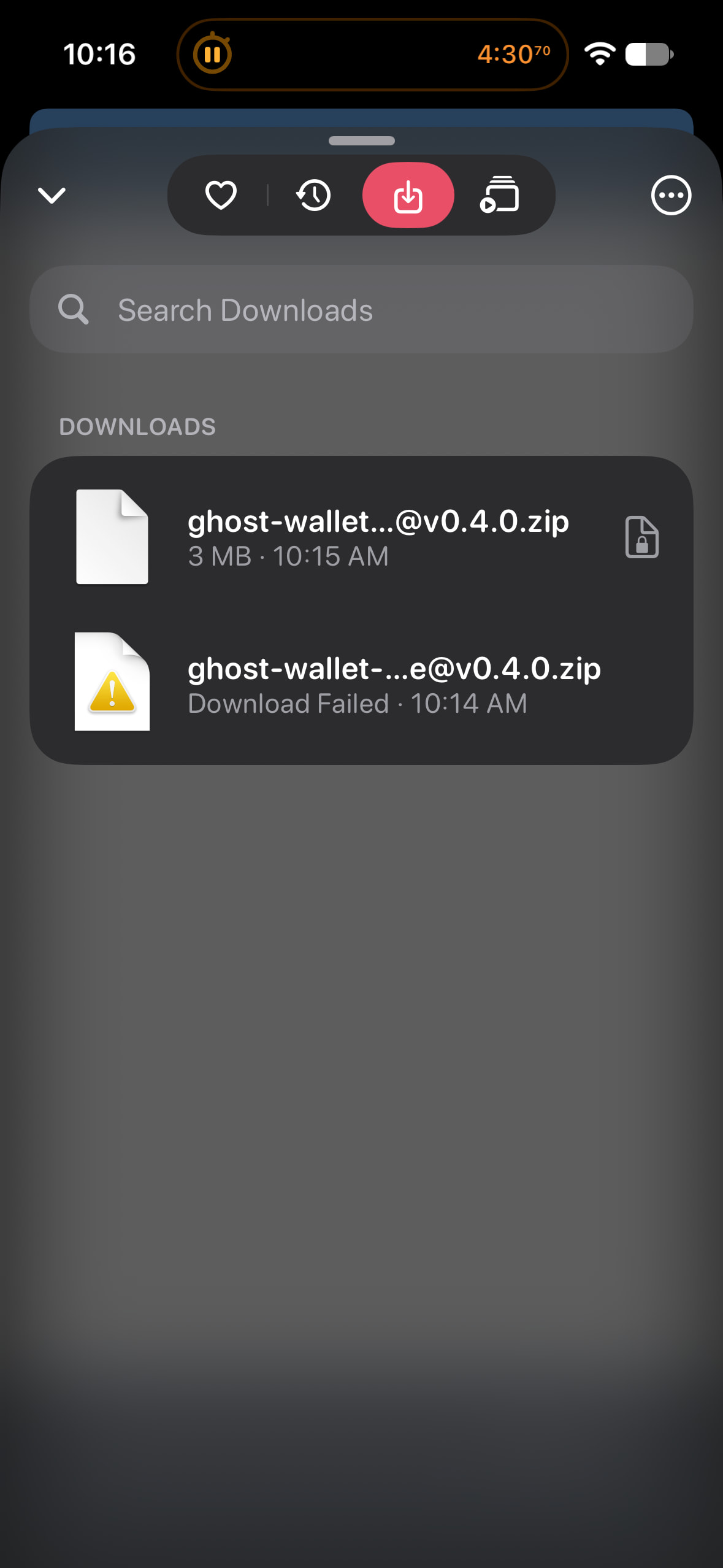
Downloaded the Chrome build of GHOST Connect (ghost-wallet-chrome v0.4.0 zip) from connect.ghostchain.io.
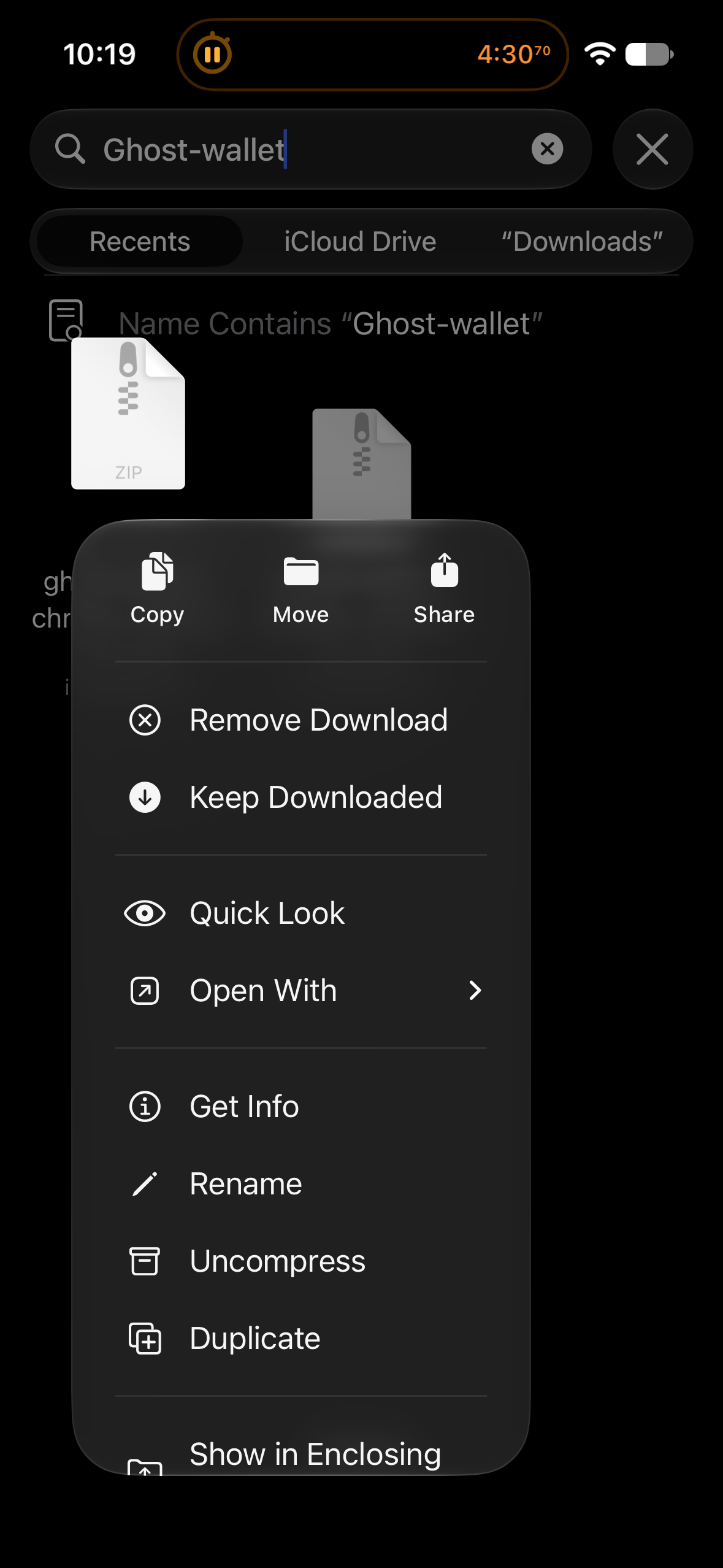
The download worked when I saved it to Quetta’s Data Vault, then moved it to the Files app. Saving straight to the Files app failed on the first try.
The zip unpacks fine in Files, but there is no extensions or developer-options entry anywhere in Quetta’s iOS menu, so there was nothing to load it into.
Why
Quetta’s own site describes extension support as an Android feature. Its extensions page is titled “Chrome Extensions on Android,” and the iOS page doesn’t mention extensions. My understanding is that this comes down to the engine: Quetta on Android is Chromium, which runs Chrome extensions, while browsers on iOS generally have to use Apple’s WebKit. Quetta doesn’t say what engine its iOS app uses, so treat that part as my best read rather than confirmed.
A possible iOS route (untested)
Orion by Kagi is a WebKit browser. Per Kagi’s docs, it has preliminary support for Chrome and Firefox extensions on iOS and iPadOS, with an Extensions area where you can install Chrome, Firefox, or file-based extensions. Kagi calls it experimental, and fewer extensions fully work on iOS because of Apple’s API limits. I haven’t tried GHOST Connect in Orion, so I don’t know whether it works. If someone wants to pick this up, that’s where I’d start.
If you try it, use a throwaway wallet and only the official zip from connect.ghostchain.io.