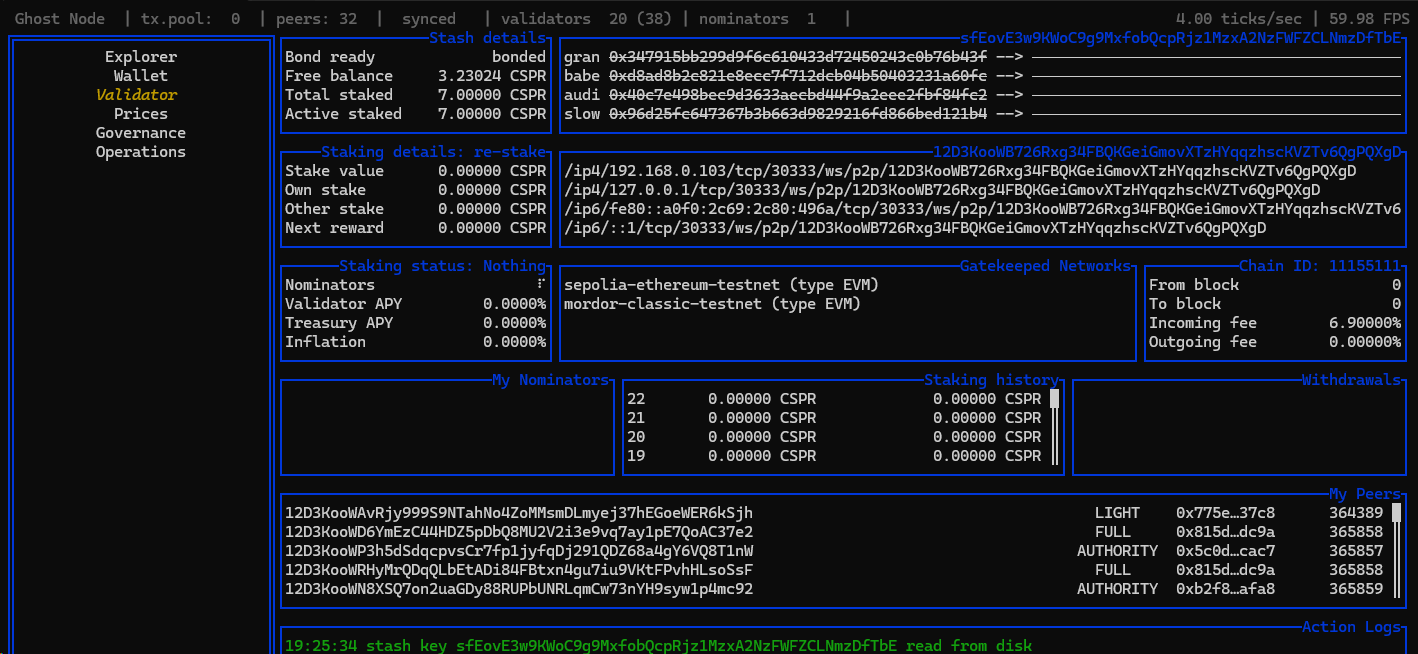
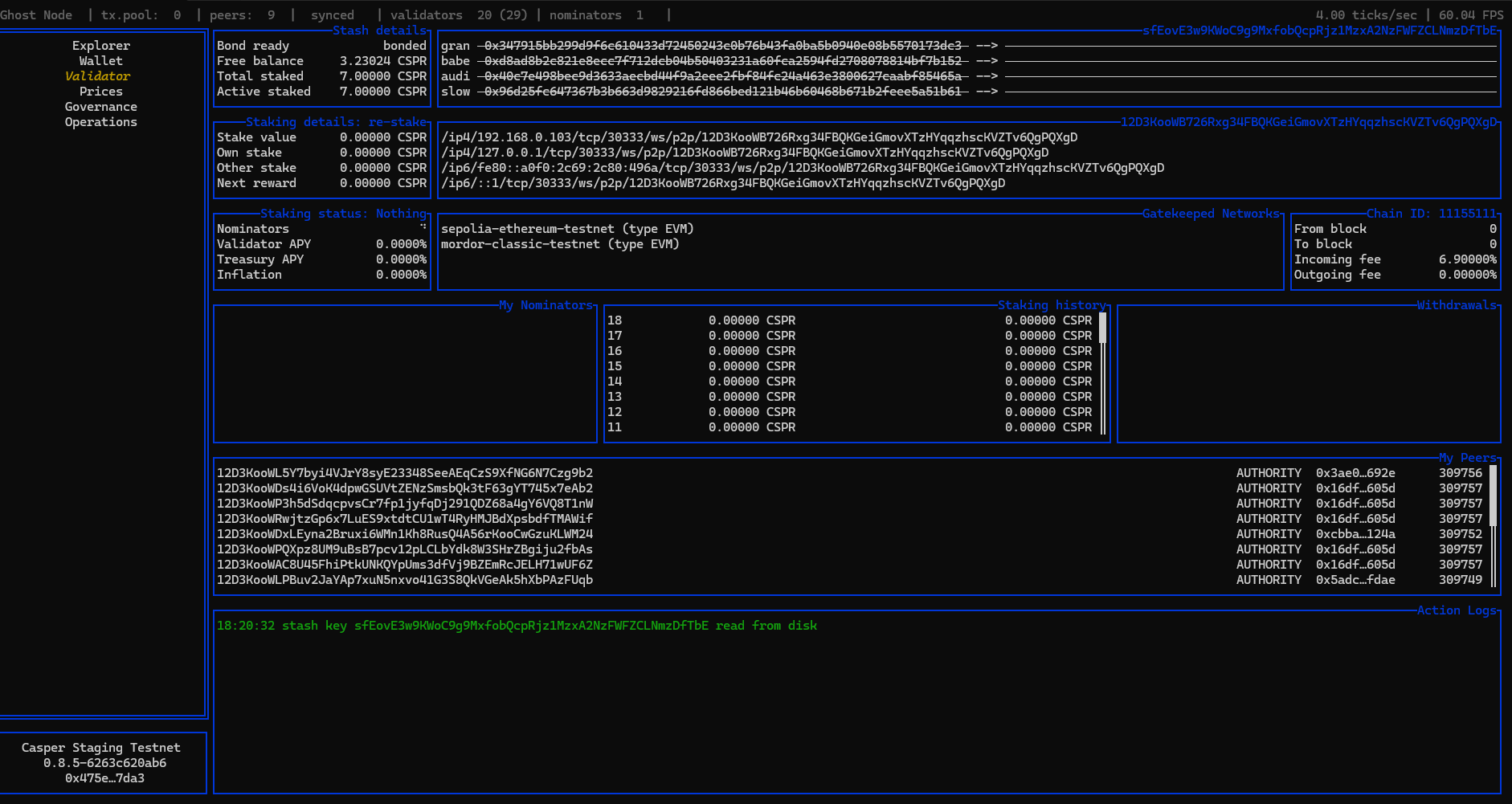
I recently performed a full validator restore using the official Ghost backup/restore process and wanted to report an issue I’m encountering afterward.
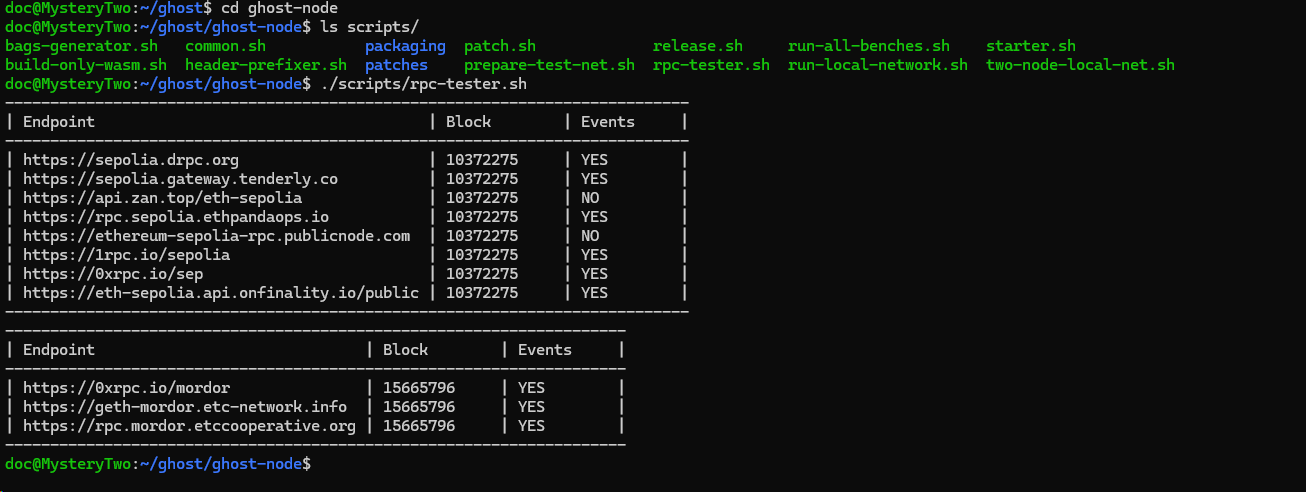
It looks like the issue isn’t related to backup and restore (or any session key management). The problem occurs when trying to connect to RPC endpoints. To check endpoints from the same machine, use the helper script:
# inside ghost-node directory

# if you are using public endpoints
./scripts/rpc-tester.sh
# if you are using custom rpc
./scripts/rpc-tester.sh --rpcs https://url-to-your-rpc-node.org,https://another-url-comma-separated.com

# the output should look something like this:
----------------------------------------------------------------------------
| Endpoint                                     | Block        | Events     |
----------------------------------------------------------------------------
| https://sepolia.drpc.org                     | 10368208     | YES        |
| https://sepolia.gateway.tenderly.co          | 10368208     | YES        |
| https://api.zan.top/eth-sepolia              | 10368208     | YES        |
| https://rpc.sepolia.ethpandaops.io           | 10368208     | YES        |
| https://ethereum-sepolia-rpc.publicnode.com  | 10368208     | NO         |
| https://1rpc.io/sepolia                      | 10368208     | YES        |
| https://0xrpc.io/sep                         | 10368208     | YES        |
| https://eth-sepolia.api.onfinality.io/public | 10368208     | YES        |
----------------------------------------------------------------------------
---------------------------------------------------------------------
| Endpoint                              | Block        | Events     |
---------------------------------------------------------------------
| https://0xrpc.io/mordor               | 15661874     | YES        |
| https://geth-mordor.etc-network.info  | 15661874     | YES        |
| https://rpc.mordor.etccooperative.org | 15661874     | YES        |
---------------------------------------------------------------------
Columns meaning:
latest block number - should return a non-zero value without errors. You can use Etherscan or Blockscout as a reference for comparison.
ability to get events - this is critically important. It indicates whether the endpoint supports event extraction. By default, this feature is enabled, but some RPC node operators may disable it to conserve resources.
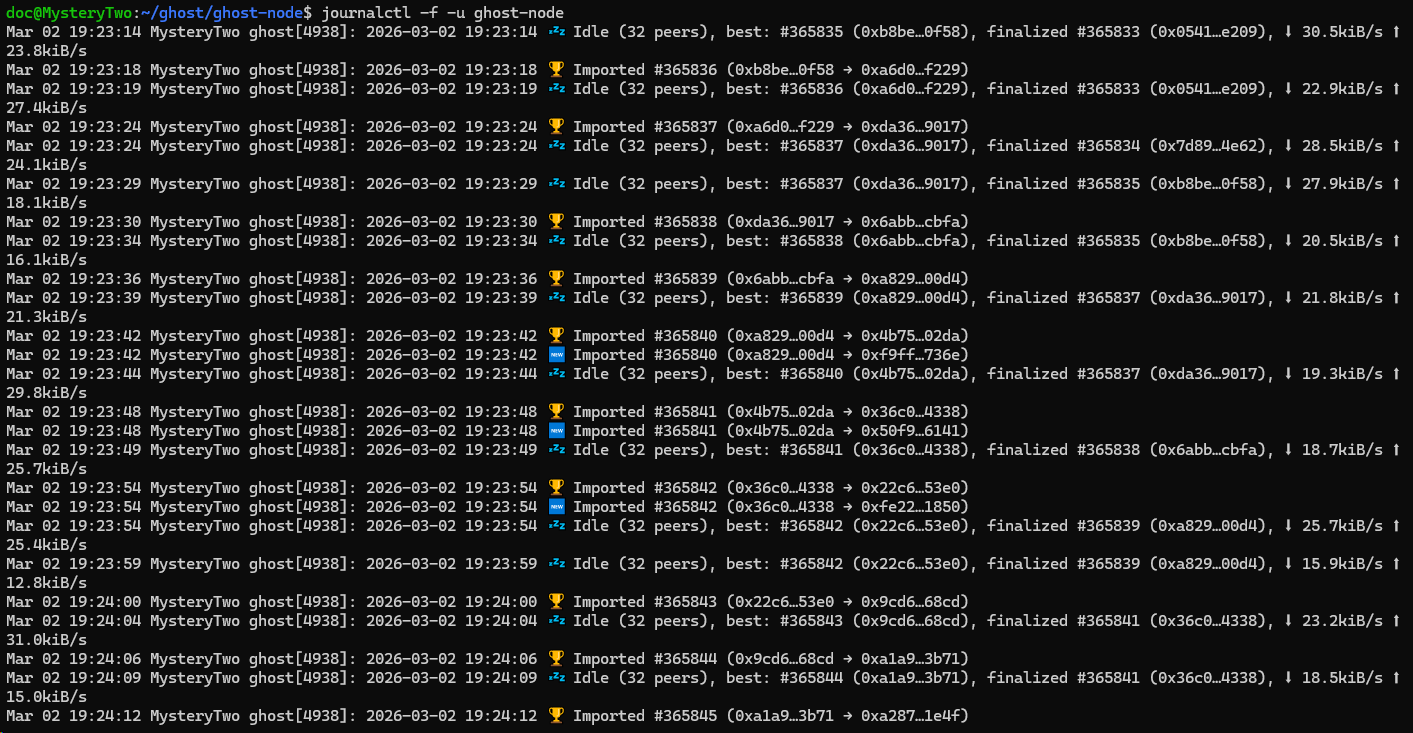
If possible, please share a screenshot of your journalctl -f -u ghost-node output. The node itself and the slow clap module have very detailed logging, especially lines that start with the ghost emoji (like this one: ).
P.S. Based on your previous screenshots, the restore process completed successfully, so there’s no need to worry about session keys.
Bump it ? Bump it real good. if your node is not stopped, has peers and synching but not caught up to current blocks there is relatively new function to Bump EVM Blocks in the Ghost Eye blog. enter validator tab and highlight the network (Sepolia, Hoodi, Mordor) and then Shift + 0 and enter in the “block height” some number within 10 higher than the current block finalizing. The blog says to set to higher but slightly behind also works. That said, given the timing of this message, you probably need to check your RPC on Mordor per VoidDragon.
 ).
).